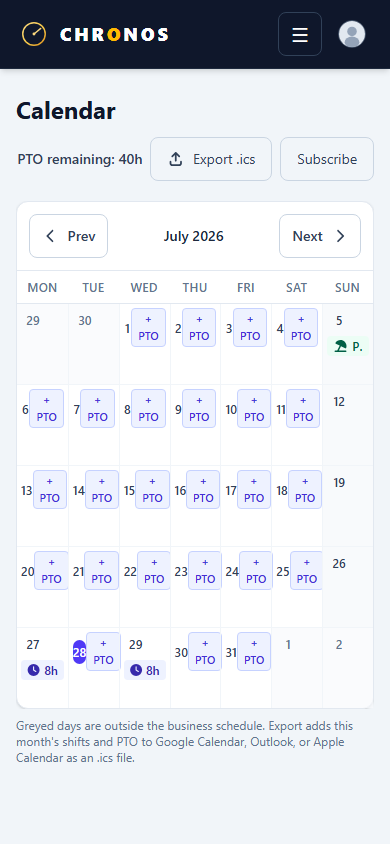
Approvals & calendar
The calendar is the shared picture of who is working, who is off, and what still needs a decision.
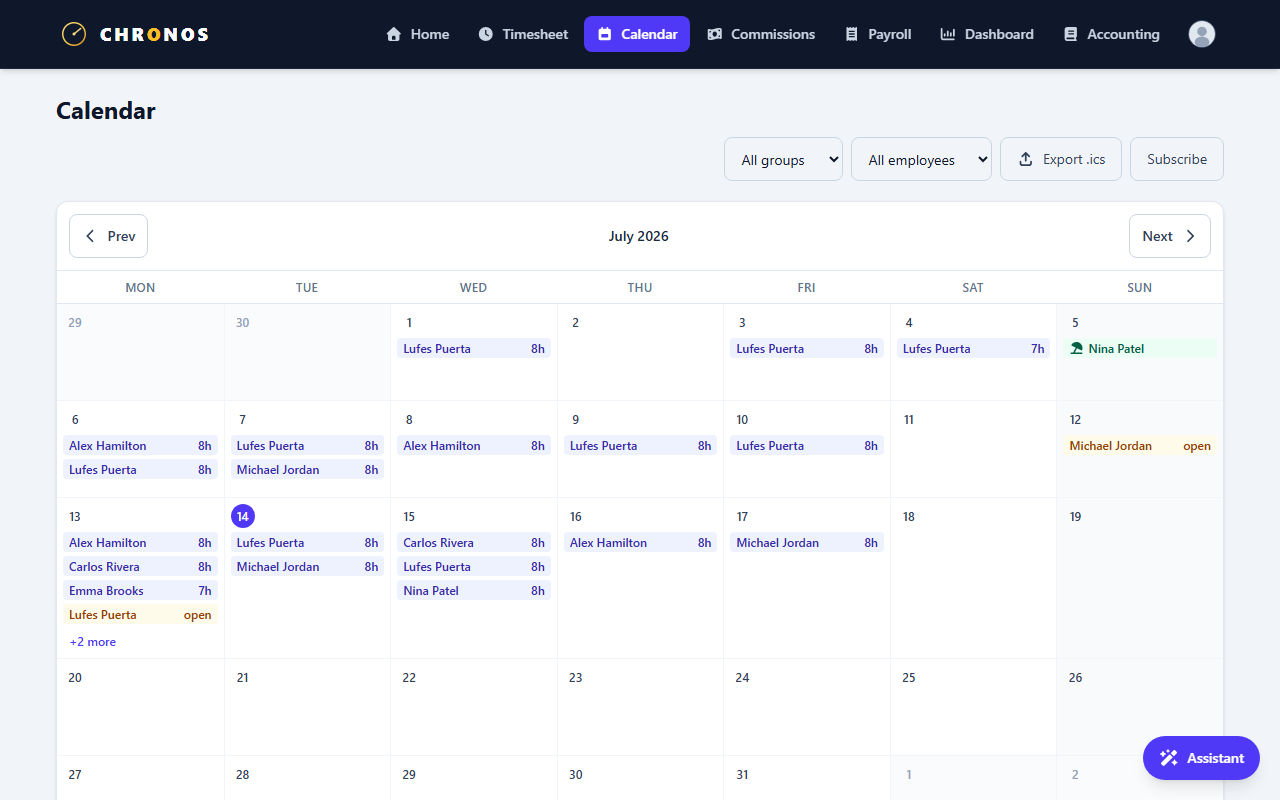
What managers and admins do here
- See org or group coverage across days
- Approve or reject PTO requests
- Spot days that need attention (open reviews, missing closes)
Team members primarily use the calendar for their own time-off requests and status.
PTO requests
- Choose the day (or range, as the UI allows) and submit a PTO request with the hours you need.
- A manager reviews the request.
- Once approved, the day is reflected for coverage planning; cancelation of approved org PTO is an admin/manager action when policy requires it.
Mobile
Phone layouts mirror the same ideas — clock, calendar, and earnings — so field staff are not stuck on a desktop-only workflow.