Time & attendance
Chronos records who worked when — then feeds timesheets, approvals, and payroll.
Who can track time
- Team members and managers can clock in, clock out, and use employee time UI.
- Admins manage the organization and do not track time in Chronos.
Clock in / out
- Open the clock surface in the app (desktop or mobile, depending on how your org works).
- Clock in when your shift starts; clock out when it ends.
- If a shift needs manager review (for example an unusual close), follow the on-screen prompt — you may need a manager to finish the shift.
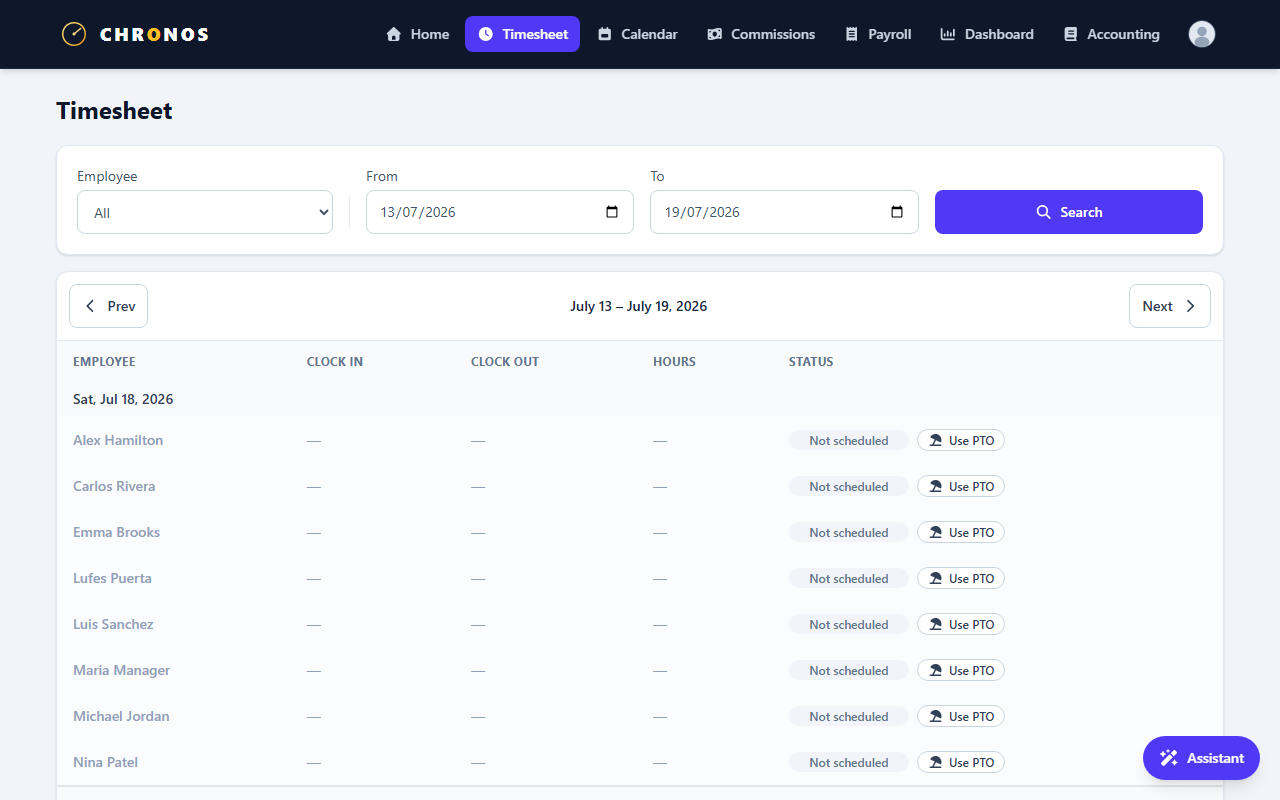
Timesheets
- Team members see their own entries.
- Managers and admins can view org-wide timesheet data for people in their organization.
- Use filters (group / person) when the org is large so daily totals stay readable.
Tips
- Clock as you go — reconstructing a week from memory creates approval friction.
- If the clock is blocked, check Troubleshooting (suspended org, missing membership, or review-required shifts).