Payroll & PTO
Chronos ties hours and time off into the monthly pay rhythm — so payday is less of an archaeology project.
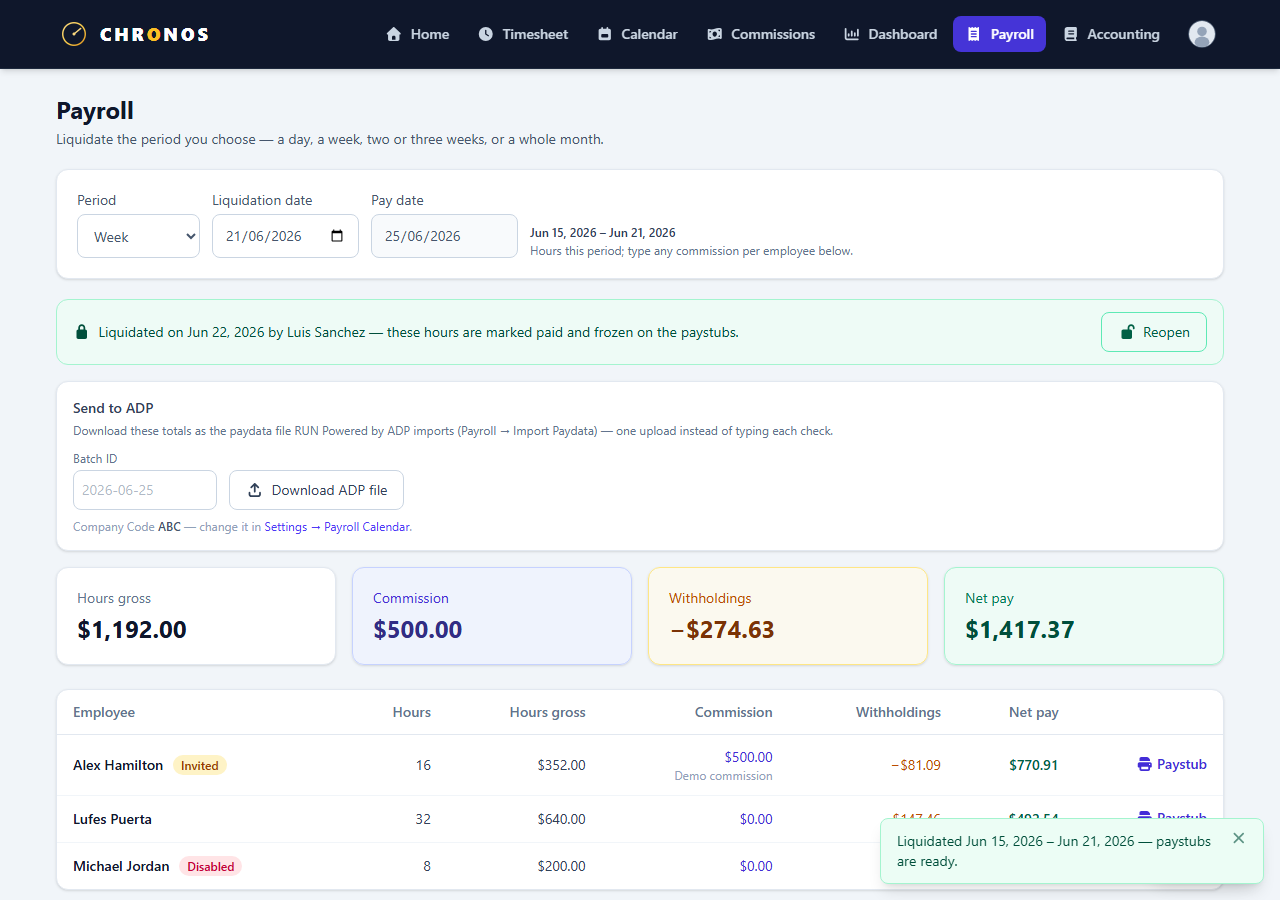
Month close (admins)
Administrators close a month when the period is ready. Pay statements for a month appear once that close has happened; if a month is still open, employees will not see finalized pay for it yet.
What employees see
- Their own pay for closed periods
- Clear messaging when something could not be fully withheld (talk to an administrator about collection)
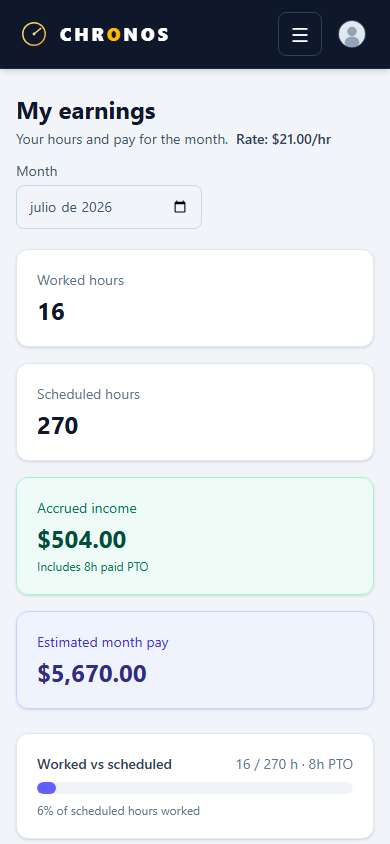
- Earnings views on mobile when your org uses them
PTO balances and requests
- Request PTO from the calendar / time-off flows (Approvals & calendar).
- Accrual and balance rules follow how your organization is configured — ask an admin if a balance looks wrong rather than editing outside Chronos.
Exports and payroll partners
Some organizations export paydata for an external payroll run (for example ADP-oriented fields on employee profiles). That is optional and admin-configured — this public guide does not document partner account numbers or file drop locations.